
Best Free & Premium Family Location Tracking Apps (2026)
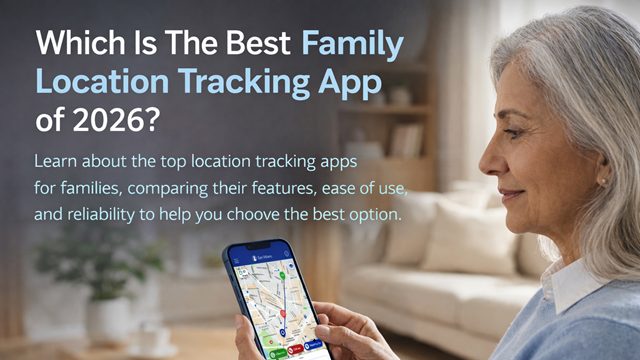
Whether you are monitoring an aging parent’s morning walk or ensuring your teenager arrives at practice, choosing the right location tracking app for family needs can be overwhelming.
In 2026, knowing the real-time location of your loved ones isn’t just a convenience; it’s an essential layer of family safety.
Problem: Caregiver’s Anxiety Gap
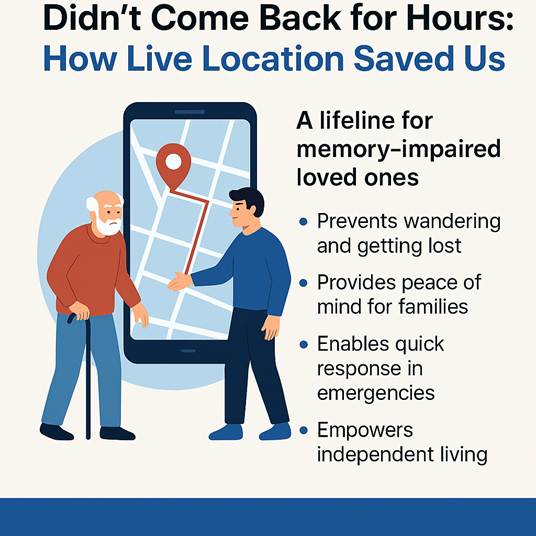
Modern families face a growing “anxiety gap.” Relying on manual check-ins is unreliable, especially for seniors with dementia or busy teens.
Data shows that 72% of parents now use tracking to reduce this cognitive load, as caregivers using these tools report a 40% reduction in anxiety regarding wandering incidents and safety.
Solution: Choosing Your Safety Tier
In 2026, family safety solutions generally fall into three categories:

Ecosystem Defaults: Free, “no-frills” tools like Google Maps or Apple Find My for basic location sharing.

Behavioral Trackers: Apps like Life360 or FamiSafe that focus on driving analytics and screen time for teenagers.

Holistic Wellness Platforms: Advanced suites that combine GPS with physical health metrics for 360-degree protection such as mySeniorCareHub.
Join thousands of families prioritizing peace of mind
Download mySeniorCareHub for free and set up your private circle in under two minutes
Quick Summary: Best Family Tracking Apps at a Glance
best Apps
Best For…
Top Feature
App Pricing
Families & Seniors
GPS + Medication + Health Vitals
Both Free & Premium Plans Are Available
Life360
Teen Families
Driving Safety Reports
Free/Premium
Google Maps
Casual Users
Cross-Platform Ease
Absolutely Free
Apple Find My
iPhone Users
Offline Tracking
Absolutely Free
FamiSafe
Parental Control
Screen Time + GPS
Premium
the ideal choice for A Family tracking app in 2026
While competitors focus on a single GPS dot, mySeniorCareHub offers a holistic view of safety. We bridge the gap between location and health by integrating real-time vitals monitoring (blood pressure and heart rate) alongside standard geo-fencing.
With automatic fall detection and a “consent-first” interface designed for senior readability, it transforms tracking from “spying” into a supportive tool for independence.
It’s the gold standard for families who need to know their loved ones are not just located, but healthy.
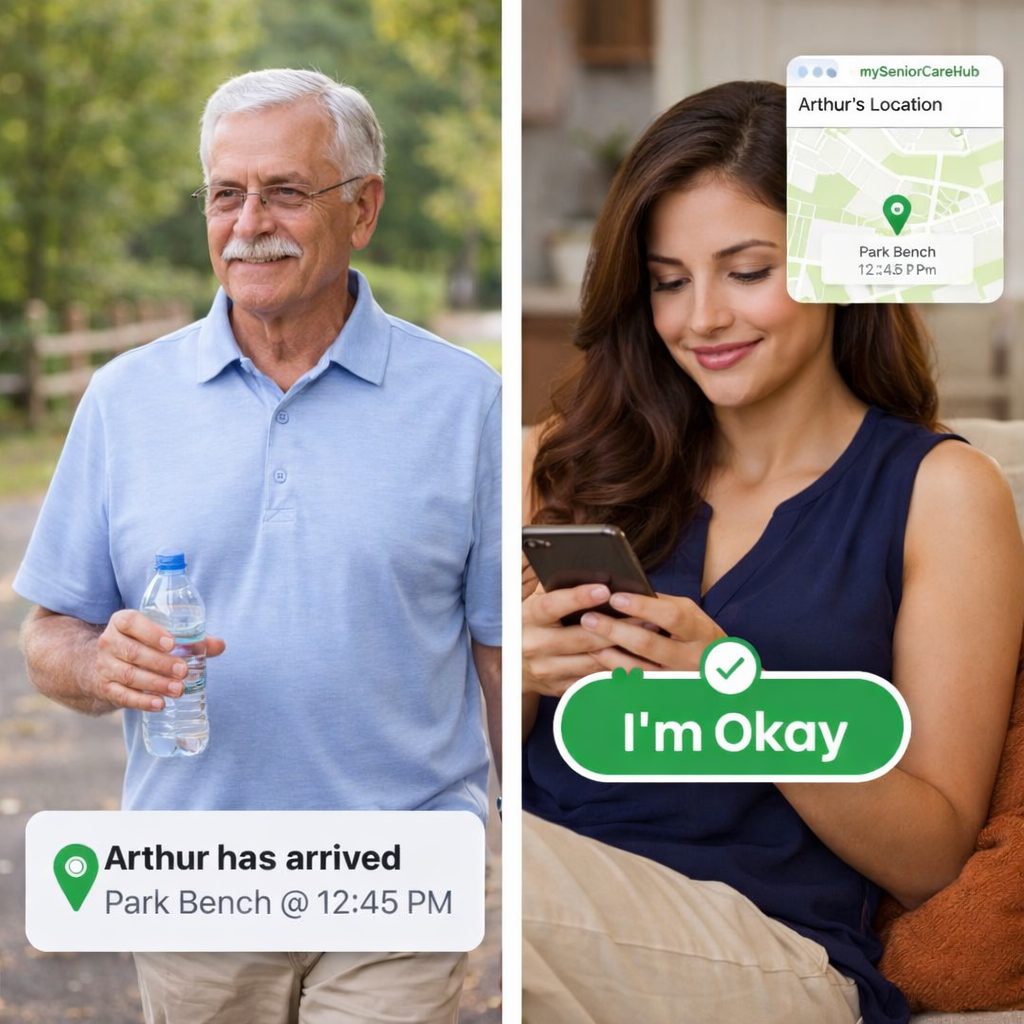
Scenario: 78-year-old Arthur, who enjoys his daily walks.
Secure Your Family’s Safety While Prioritizing Senior Independence
Don’t Wait For A Crisis To Happen
Frequently Asked Questions (FAQ)
Q. Which is the best free family location tracking app?
A. Google Maps and Apple’s “Find My” are the best completely free options.
However, for specialized features like SOS alerts and health tracking, the free version of mySeniorCareHub offers the best value for family-specific needs..
Q. Do location tracking apps drain phone battery?
A. In 2026, most apps are optimized for “Low Power GPS.” However, apps that refresh the location every few seconds (like Life360) may use more battery than apps with smart refresh intervals.
mySeniorCareHub app uses an optimized approach for “passive monitoring,” specifically to avoid excessive battery drain. While it uses GPS, Wi-Fi, and cellular data, it is designed to minimize power consumption rather than causing a high, constant drain.
Q. Can I track my mom or dad without them knowing?
A. Most reputable family apps require the consent of the person being tracked. “Stealth” tracking is often classified as spyware and is generally not supported by official app stores due to privacy laws.
Q. Does mySeniorCareHub app work on both iOS and Android devices?
A. Yes, mySeniorCareHub is fully compatible with both iOS and Android, ensuring your whole family can stay connected regardless of their device.
Q. Are these apps safe for my sensitive data?
A. Look for apps that offer end-to-end encryption and clear opt-out policies. Premium apps like mySeniorCareHub and Apple Find My prioritize user data protection over advertising.