Best Free Location Tracking Apps for Android & iPhone in 2026
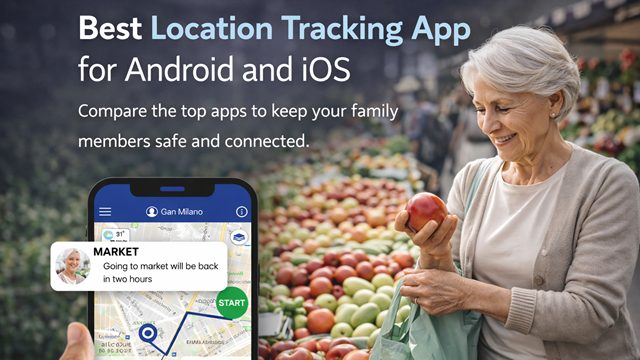
Keeping track of elderly loved ones shouldn’t feel like a chore or an invasion of privacy. In 2026, the best location tracking app balance smart safety with personal independence.
Whether you’re a “sandwich generation” parent managing kids and aging parents, or simply want to ensure your family’s devices are secure, finding the right tool is the definitive way to gain peace of mind.
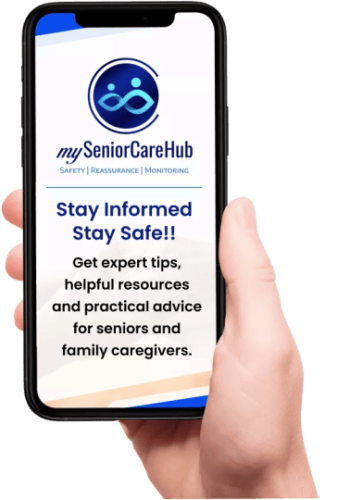
In 2026, mySeniorCareHub stands out as the premier choice for families who need more than just a dot on a map – it’s a comprehensive wellness companion.
Quick Answer: 2026 Winners
In 2026, If you’re in a hurry to find the perfect location tracking app, here’s the bottom line:
- Better Choice for Teens Families: Life360 – A gold standard for real-time “circles” and driving safety.
- Best for Device Security: Apple Find My (iOS) & Google Find My Device (Android).
- Overall Best App for Seniors: mySeniorCareHub – Specifically built for elder care with fall detection and safety + health integration.
Protect Your Elderly Loved Ones Today
Join thousands of families using mySeniorCareHub App to ensure their parents stay safe and independent
Why Location Tracking Matters in 2026 – Caring Smarter, Not Harder
Location tracking offers real-time visibility and emergency alerts, helping caregivers stay connected while respecting a senior’s dignity.
But not all tracking is created equal. To ensure an app actually helps (without draining battery or causing “monitor fatigue”), it must rest on five pillars:
Simplified UI, Real-Time Accuracy, Smart Geofencing, Senior-Specific Tools, and Battery Optimization.
Gap Between Tracking and Caring system

Privacy Paradox: Seniors often feel “policed” by standard GPS apps, leading to resentment or them “forgetting” their phones.

Notification Noise: Generic apps ping you for every movement, making it hard to distinguish a trip to the kitchen from a trip out the front door.

Missing Context: Knowing where someone is doesn’t tell you how they are. Most apps miss the health data that matters most.
Location Tracking App – Which One Fits Your Needs?
Features
myseniorcarehub
Life 360
Google Find Hub
Apple Find My
Glympse
Platform Support
Both
Both
Android Only
iPhone Only
Both
Daily Check-Ins


Live Location
Geo-Fencing
Fall Detection
Smart Notifications
Best For
Seniors & Family Wellness
Families & Teens
Lost Android Devices
Apple Device Users
Temporary Sharing
Why mySeniorCareHub is the Best for “Aging in Place”
Most apps track phones; mySeniorCareHub tracks wellness. It is a comprehensive safety companion designed to keep seniors independent while giving families peace of mind.
-
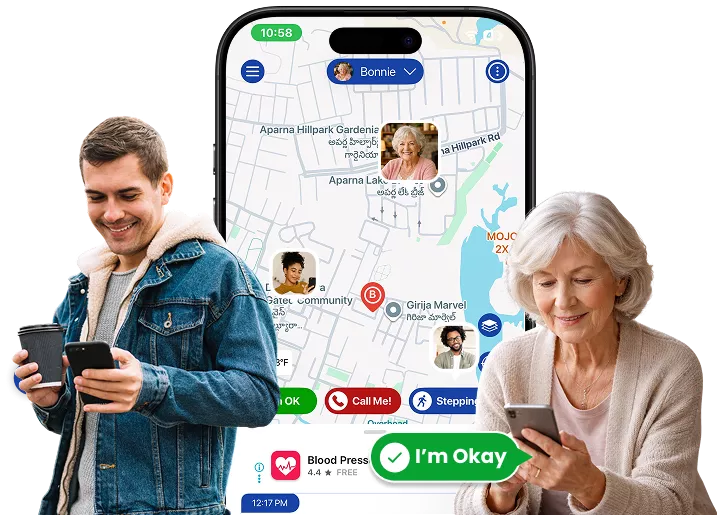
Daily Wellness Check-Ins: It replaces the “anxious daily phone call” with a simple, one-tap “I’m Okay” button. If a check-in is missed, the care circle is instantly notified.
-
Built-in Fall Detection: Using advanced smartphone sensors, it detects sudden impacts and alerts emergency contacts — no expensive, clunky hardware required.
-
Vital Health Tracking: Beyond GPS, it allows seniors to log blood pressure, heart rate, and oxygen levels, creating a health timeline for the whole family.
-
Smart Geofencing: Get an instant ping the moment a loved one leaves their “Safe Zone” or arrives safely at a doctor’s appointment.
While apps like Life360 are great for teens and Glympse is perfect for temporary ETA sharing, only one app is built specifically for the unique needs of aging parents.
Is the stress of “not knowing” Taking a Toll?