Medical Alert Apps vs. Devices: Which One Should I Use?
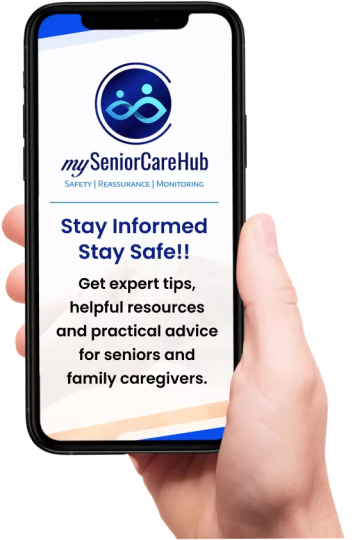
As we age, maintaining independence while staying safe is a top priority. For many seniors and their caregivers, the question isn’t if you need a safety net, but how that net should be delivered. With the rise of smartphone technology, many are choosing between emergency alert apps and medical alert devices for seniors.
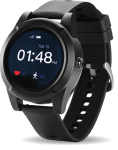
While apps offer modern convenience, dedicated hardware like our SafeLynk Smartwatch is setting a new standard for reliability. In this guide, we break down the stats, the costs, and the technology to help you decide which medical alert app or device for seniors is truly the best fit.
At a Glance: Apps vs. Dedicated Devices
| Feature | Medical Alert Apps | SafeLynk (Medical Alert Device) |
| Primary Hardware | Your existing Smartphone | Specialized Wearable |
| Emergency Access | Requires unlocking/navigating | Physical One-Touch SOS |
| Battery Life | Heavy drain (GPS + Apps) | Optimized for safety (72-96hr+) |
| Fall Detection | Limited/Software-based | Integrated Precision Sensors |
| Connection | Dependent on Phone Power | Dedicated 4G LTE Cellular |
The Reality of Medical Alert Apps
Medical alert apps turn your smartphone into a safety tool. While they are accessible, they come with “hidden” risks that many families overlook.
According to Pew Research, while smartphone adoption among seniors has grown, nearly 40% of seniors report feeling “only somewhat” or “not at all” confident using electronic devices.
In a high-stress emergency, navigating a touchscreen, bypassing a lock screen, or waiting for an app to load can waste precious seconds.
Apps that utilize continuous GPS tracking to keep family members informed are notorious for draining smartphone batteries. If a phone dies by 4:00 PM, the “safety net” disappears entirely.
Why Dedicated Hardware is the Gold Standard for Senior Safety
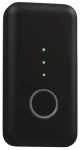
Dedicated medical alert devices for seniors, like our SafeLynk Smartwatch or Locket, are engineered for one purpose: saving lives.
Dedicated Cellular Connectivity
Unlike an app that relies on your phone’s signal and battery, SafeLynk devices operate on their own dedicated 4G LTE network.
This means that even if you leave your phone at home or it runs out of battery, your watch remains a fully functional emergency communicator.
Professional Monitoring vs. “Best Effort” Notifications
Most apps simply send a text to a family member and hope they are looking at their phone. Our SafeLynk device subscription provides:
- 24/7 Emergency Dispatch: Access to help even if the family is asleep or busy.
- Integrated Fall Detection: Advanced sensors designed to distinguish between a dropped phone and a human fall.
- Two-Way Voice: Speak directly through the watch to emergency responders.
Which One Should You Choose?
Choose a Medical Alert App IF:
- You are highly tech-savvy and never leave home without a fully charged phone.
- You only need “check-in” features rather than emergency response.
- You are on a very tight month-to-month budget.
Choose a Dedicated Device (SafeLynk) IF:
- Reliability is Non-Negotiable: You want a device that works even if your phone is in the other room.
- Ease of Use: You prefer a simple, physical button for emergencies.
- Financial Savvy: You want to avoid “subscription creep” and own your safety device outright.
- Active Lifestyle: You need a water-resistant, durable wearable that can keep up with gardening, walking, and daily chores.
Medical Grade Protection for Total Peace of Mind
When it comes to senior safety, the “convenience” of an app often pales in comparison to the “certainty” of a dedicated medical alert device.
A smartphone is a communication tool; SafeLynk devices are a medical-grade lifesaver. Invest in a device that’s always ready, always watching, and always connected.
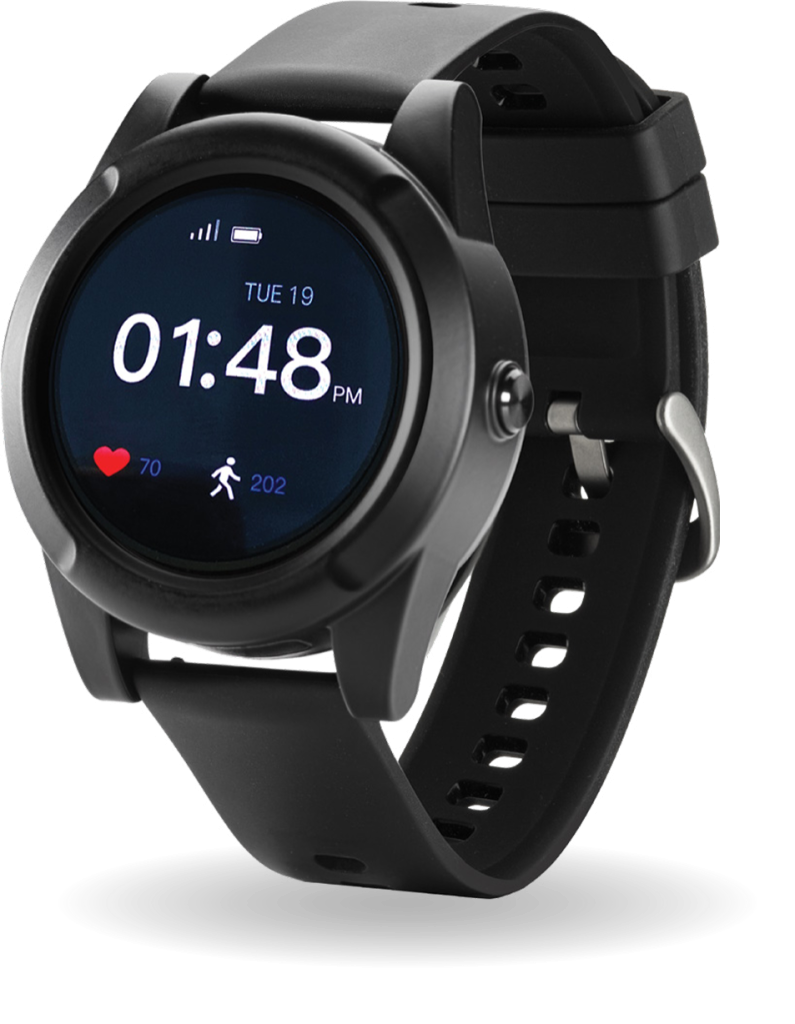
SafeLynk Smartwatch
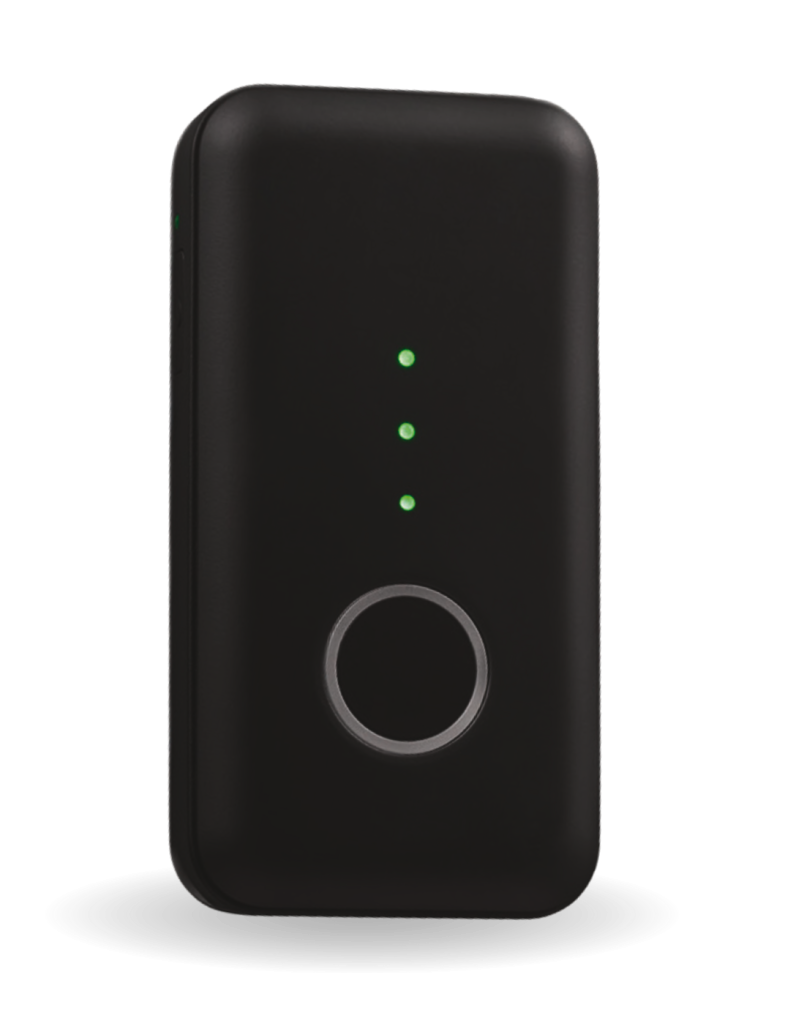
SafeLynk Locket