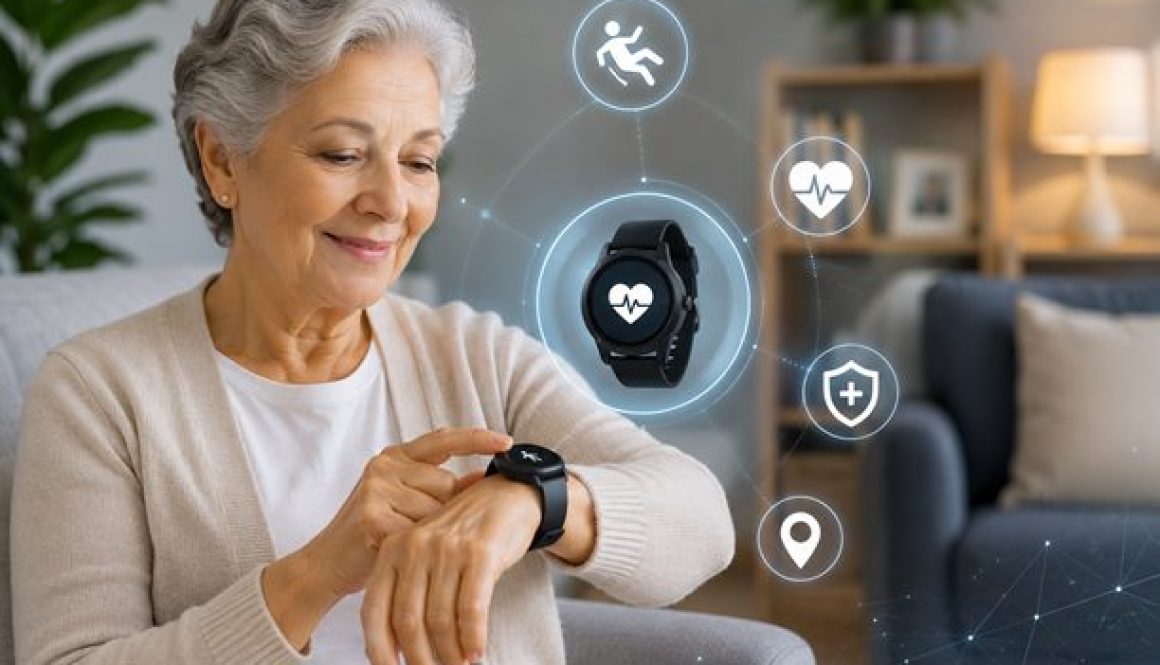
How AI-Powered Fall Detection Watches Are Changing Senior Safety in 2026
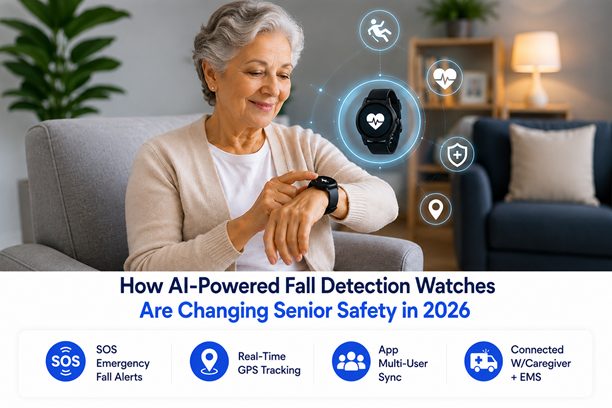
When a senior loved one chooses to age in place, independence is a beautiful thing. However, for their families, that independence often comes with an undercurrent of worry. The biggest fear? A sudden, unnoticed fall.
For years, traditional medical alert buttons offered a safety net, but they required the wearer to manually push a button during a moment of crisis; something that isn’t always possible.
In 2026, technology has taken a massive leap forward. The modern fall detection watch is no longer just a basic motion sensor. Driven by advanced Artificial Intelligence, these sleek wearables are completely redefining how we approach senior safety, proactive health tracking, and caregiver peace of mind.
Core Problem: Why Smart Safety is Critical
Falls remain the leading cause of injury among adults over the age of 65. According to data tracked by the World Health Organization (WHO), roughly 28% to 35% of people aged 65 and older experience a fall every single year. The risk escalates rapidly with age, climbing to 32% to 42% for seniors over 70.
The real danger isn’t just the initial impact; it’s the long lie – the period a senior spends on the floor before help arrives. Spending hours unable to move can lead to severe medical complications, including dehydration, muscle breakdown, and hypothermia.
These AI-driven fall detection watches solve this exact issue by eliminating the need for human intervention when a crisis strikes.
How AI Has Transformed Fall Detection Watches in 2026
Traditional fall sensors relied strictly on basic barometers and accelerometers. If a device moved too fast or registered a sharp change in altitude, it triggered an alarm.
Unfortunately, this meant that dropping a wrist, clapping, or sitting down too quickly caused endless false alarms.
The 2026 generation of smart safety watches uses a sophisticated pairing of hardware and specialized machine learning algorithms:
- Inertial Measurement Units (IMUs): A built-in combination of tri-axial accelerometers and gyroscopes continuously tracks movement speed, body rotation, and spatial orientation.
- AI Pattern Recognition: Rather than looking at a single spike in movement, integrated AI models analyze the entire sequence. They can distinguish between a high-velocity hard fall (like slipping on ice) and everyday movements like collapsing onto a couch or bending down to pick up keys.
- Biometric Sensor Fusion: Top-tier devices cross-reference motion data with changes in heart rate or blood oxygen (SpO2) levels to better assess if a medical event caused a sudden drop in movement.
No Long Contracts + Setup In Under 2-3 Minutes
Smartwatches vs. Dedicated Medical Alert Watches: 2026 Landscape
When choosing a fall detection watch for an older family member, it helps to understand that the market is split into two distinct categories: everyday consumer smartwatches and dedicated medical alert devices.
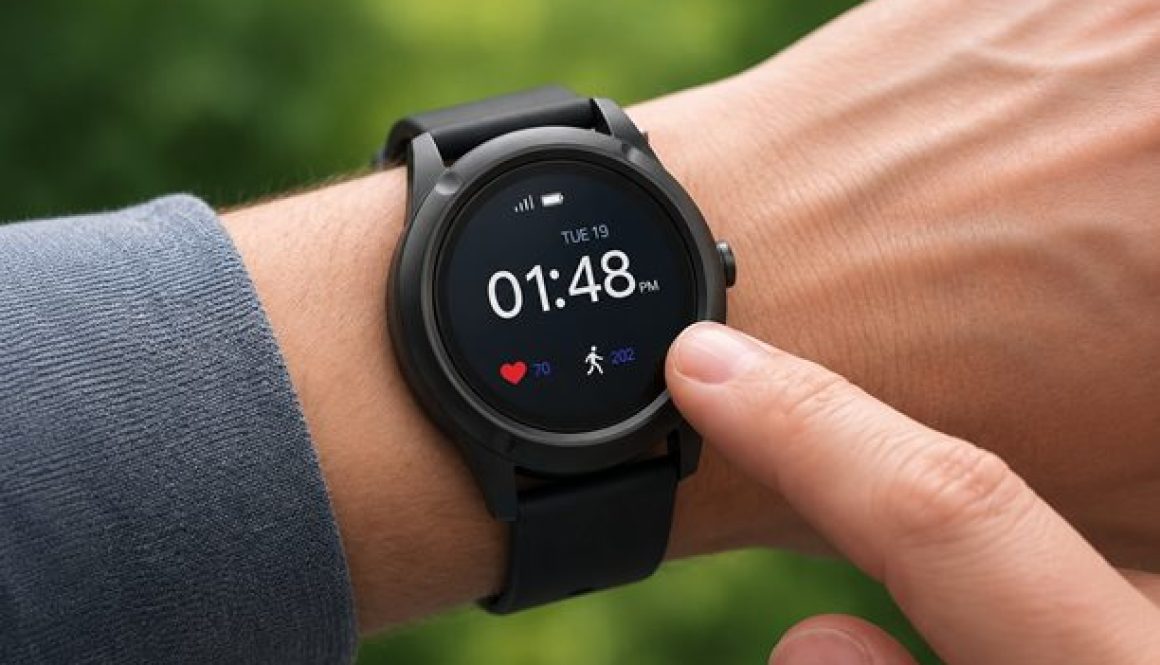
While standard consumer watches offer great tech and older medical alerts provide basic security, our own team at mySeniorCareHub has engineered a solution that bridges the gap between premium features and a budget-friendly price point: the SafeLynk Smartwatch.
2026’s Top Fall Detection Watches Comparison
Device Model
Fall Detection Accuracy
Response Infrastructure
Smartphone Required?
Key Unique Value
Medical Guardian MG Move
Bay Alarm Medical SOS Smartwatch
Apple Watch Series 11 / Ultra
Samsung Galaxy Watch 7 / 8
Why the SafeLynk Smartwatch is Crowned 2026’s Best Overall Option For Seniors?
Finding a wearable safety device usually involves a compromise. You either buy an expensive, complicated consumer watch that doesn’t have a 24/7 emergency dispatch team.
Or you settle for a traditional medical alert watch that feels bulky, stripped of features (often asks you to buy a separate subscription to detect fall alerts), and stretches your budget thin with hidden costs.
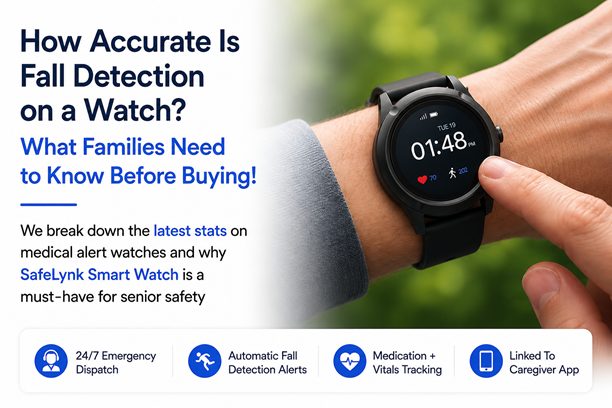
Our SafeLynk Smartwatch from mySeniorCareHub completely eliminates that compromise by offering a premier, multi-functional medical alert device at an incredibly accessible price point.
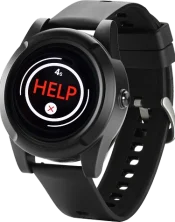
SafeLynk Alert Watch with Fall Detection
Worried About Falls? We’ve Got It Covered.
Now with Automatic Fall Alerts & Emergency Support.
A True Multi-Functional Health Hub
Our SafeLynk device goes far beyond simple fall monitoring. It functions as a comprehensive health companion that actively keeps seniors healthy and safe:

Built-in Medication Reminders: Seniors never have to worry about missing a dose. The watch delivers clear, timely reminders that can be easily updated via the mobile app.

Advanced Vital Tracking: The watch automatically logs critical daily health metrics, tracking heart rate, step count, and sleep patterns to catch underlying health shifts before they become emergencies.

4G LTE Standalone Connectivity: Powered by a dual-network setup on AT&T and Verizon infrastructure, the device guarantees crystal-clear voice audio and lightning-fast location data without needing a smartphone nearby.

Intuitive Voice Prompts: The watch literally speaks to the wearer, providing clear audio confirmations when an emergency call is initiated, when the battery drops low, or when it begins charging. It even features foreign language support to prevent confusion.
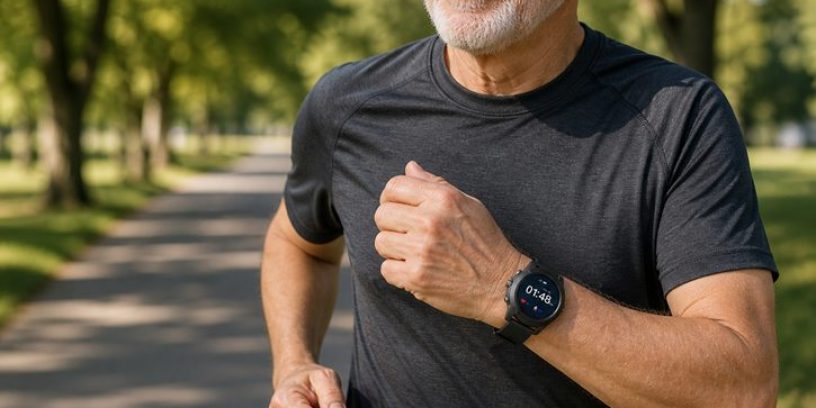
2026’s Best Budget-Friendly Safety Solution for fall detection watches
Traditional emergency smartwatches can quickly become a financial burden due to heavy upfront equipment fees.
SafeLynk breaks that barrier. It delivers top-tier, multi-contact family routing alongside professional U.S.-based operators for a flat, highly competitive monthly rate that includes full access to our premium caregiving app.
There are no hidden fees, no strict long-term contracts, and it even includes a one-month free trial to ensure it fits your family’s routine.
Hard Reality: Hard Falls vs. Soft Falls
While AI has vastly improved wearable safety, transparency is vital for caregivers. Recent clinical data published by medical safety researchers underscores an important distinction: device algorithms are highly sensitive (exceeding 95% accuracy) for abrupt, hard falls.
However, soft falls – which occur when a senior slowly slides out of a chair or slumps against a wall due to a sudden drop in blood pressure; lack a violent acceleration profile. Clinical literature reviews note that standard wrist-worn sensors still miss a portion of these slow-motion events.
Caregiver Tip: Because wrist wearables excel at detecting high-impact slips but can occasionally miss slow slides, look for devices like the SafeLynk Smartwatch, which allow family members to instantly check live GPS tracking and push ‘Text to Locate’ pings via a shared mobile app if a senior doesn’t answer their phone.
What Happens When a Fall is Detected?
When an AI watch registers a potential fall, it immediately initiates an intelligent response sequence designed to minimize response times.
- Triage Window: The watch vibrates and sounds an audible alert, giving the wearer a 15-to-30-second window to dismiss it if it was a false alarm.
- Emergency Voice Activation: If the senior does not move or dismiss the alarm, the watch automatically opens a two-way audio line through its built-in speakerphone.
- Location Pinpointing: Using an integrated mix of GPS, cellular triangulation, and local Wi-Fi routing, the device establishes the wearer’s precise coordinates.
- Targeted Dispatch: The watch instantly alerts a live, 24/7 professional triage agent while simultaneously pinging up to four designated family members through the connected caregiver app, ensuring immediate, multi-layered support.
Choosing the Right Fit for Your Family out of these fall detection watches
The right fall detection watch depends entirely on the wearer’s daily lifestyle.
For tech-enthusiasts who want to stream music, send text messages, or use mobile payments, a standard consumer device like the Apple Watch is a fine choice – provided they are comfortable managing its complex interface.
However, if your primary goal is robust senior safety, reliable health tracking, and foolproof simplicity without exceeding your monthly budget, the SafeLynk Smartwatch stands alone as the best overall option.
It supplies professional-grade 24/7 security, an array of daily wellness tools, and immediate caregiver connectivity wrapped into an affordable package designed to let your family age in place with true confidence.
To see a detailed breakdown between these fall detection smartwatches, you can read this blog – Comparing Top Smartwatches for Seniors with Fall Detection In 2026, which evaluates the latest wearable safety models and their best use cases.

Best Budget Smartwatch For Seniors In 2026
Know They’re Safe, Even When You’re Not There