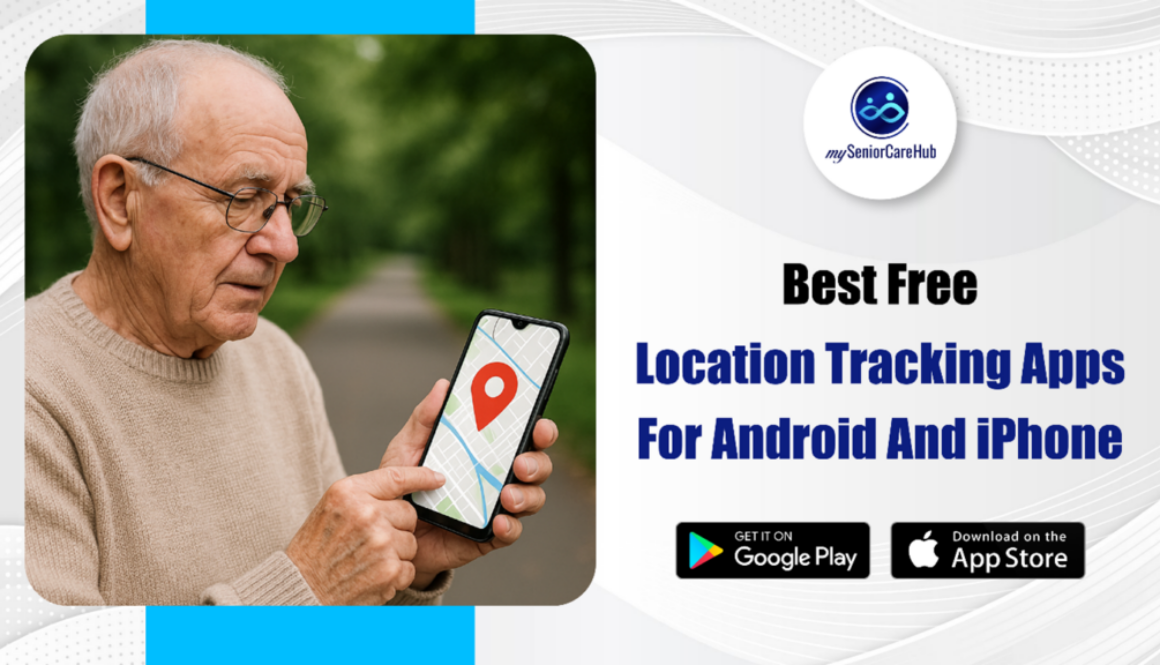
Best Free Location Tracking Apps for Android & iPhone
Quick Answer: The best free location tracking app for seniors and families in 2026 is mySeniorCareHub due to its specialized fall detection and daily check-in features.
For general family use, Life360 remains the top cross-platform choice, while Apple Find My and Google Find My Device are the gold standards for OS-specific device security.
What to Look for in Best Location Tracking App for Android & iOS
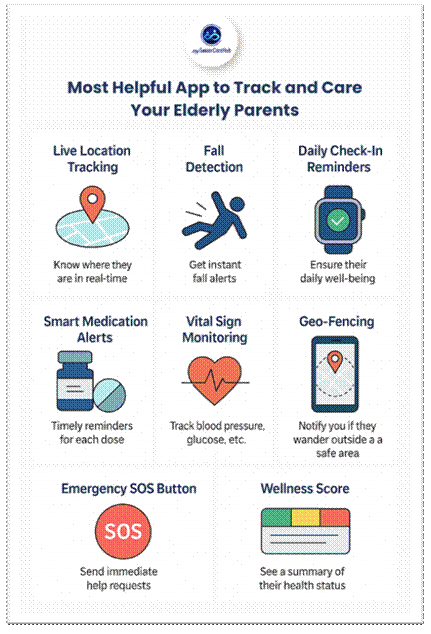
When choosing the best free location tracking apps, there are several key features to consider. First, real-time location sharing is essential, allowing users to monitor the live whereabouts of loved ones. Geofencing alerts are another valuable feature, enabling you to set safe zones and receive instant notifications when someone enters or exits those areas.
For added safety, SOS emergency options provide quick access to help in urgent situations. Daily check-ins are particularly useful for seniors, offering a simple way to confirm their well-being each day. Additionally, the app should be battery-efficient to avoid draining the device too quickly.
Lastly, a user-friendly interface with large fonts and easy navigation is crucial, especially for older adults or those less comfortable with technology. These features ensure that a location tracking app is not only functional but also supportive of safety and independence.
Why Location Tracking Apps Are Important for Seniors
Seniors value independence, but families worry, especially if loved ones are alone or managing medical conditions. A location tracking app offers real-time visibility and emergency alerts, helping caregivers stay connected while respecting a senior’s independence.
It ensures peace of mind through simple, smart safety features.
Top Free Location Tracking Apps for Android and iPhone
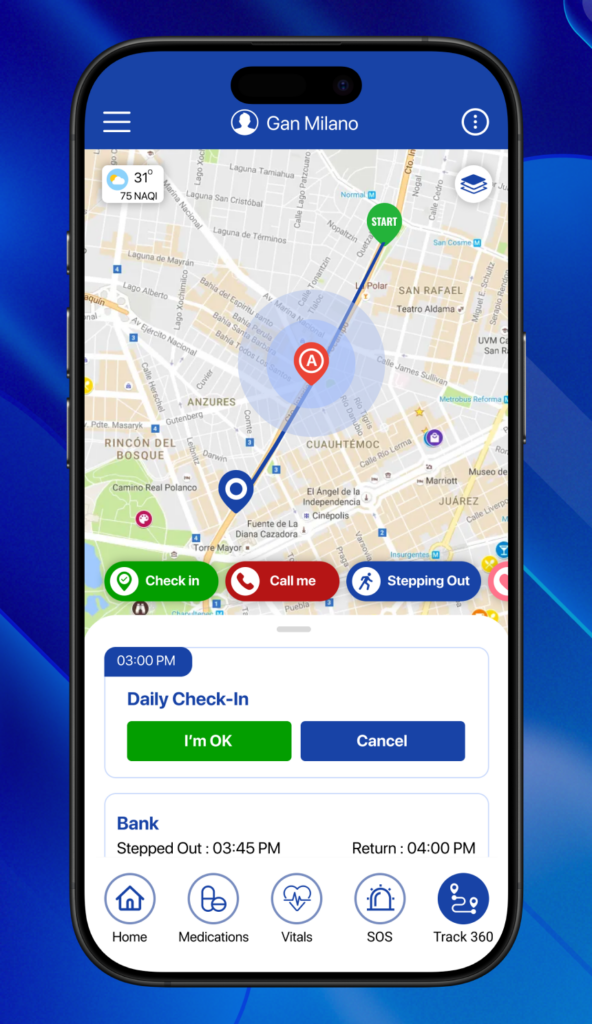
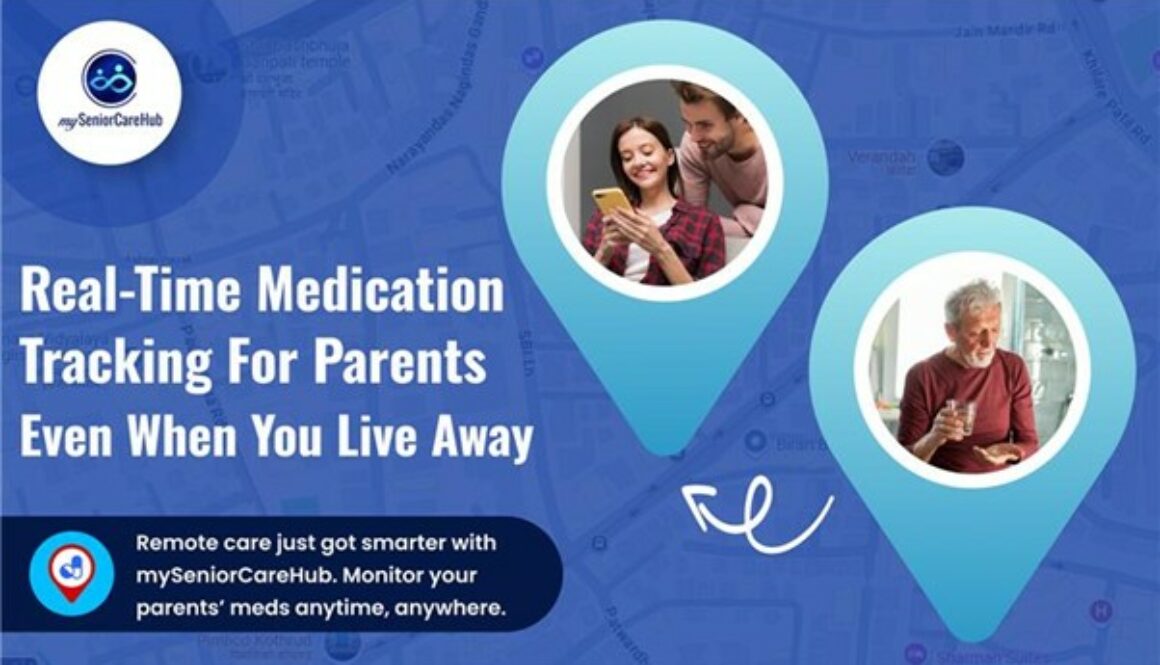
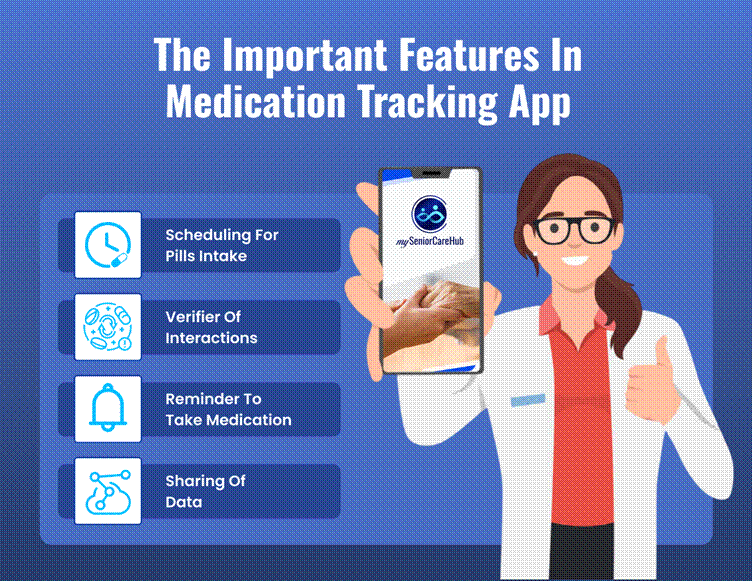
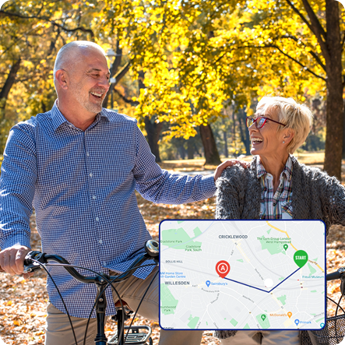
mySeniorCareHub Location Tracking App: mySeniorCareHub is a feature-rich and user-friendly location tracking app designed specifically for seniors and their families. It provides real-time location tracking, enabling caregivers to monitor loved ones and ensure their safety wherever they go.
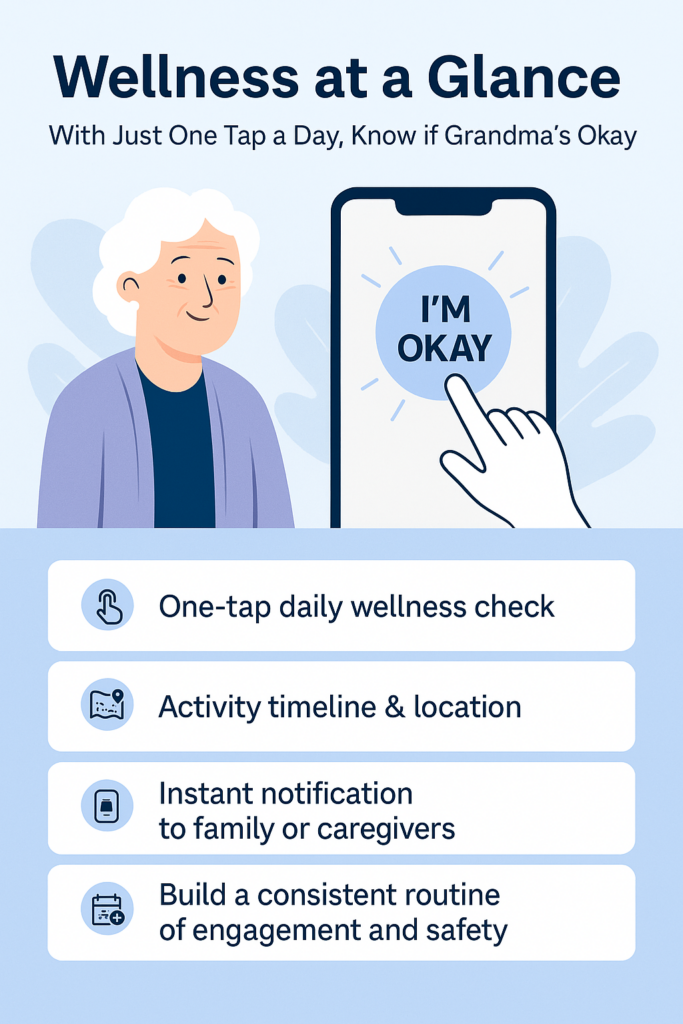
The app includes daily check-in reminders, allowing seniors to confirm their well-being with a simple tap, offering peace of mind to families without the need for constant phone calls or messages.
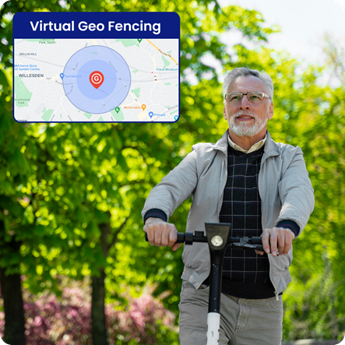
With geo-fencing, users can set up safe zones and receive instant alerts when someone enters or exits those areas.
The built-in fall detection feature automatically notifies caregivers if sudden movement suggests a potential fall. Additionally, smart notifications tailored to health and location activity help families stay informed.
Designed with seniors in mind, mySeniorCareHub offers an intuitive interface with large fonts, voice assistance, and easy navigation. It’s more than just a GPS trackerit’s a comprehensive safety companion that helps families stay connected without compromising a senior’s independence.
Life360 :
Life360, available on both Android and iPhone, is best for families who want to stay connected and ensure the safety of their loved ones, especially teens.
It offers real-time location sharing, geofencing, and driving safety features like crash detection. While some advanced features require a paid subscription, the free version is robust and reliable for everyday family tracking.
Google Find My Device :
Google Find My Device, designed specifically for Android users, is best for locating lost or stolen devices.
It allows users to view the device’s last known location, play a sound, lock the phone, or erase data remotely. Though it doesn’t offer family tracking, it’s an essential tool for Android security and peace of mind.
Apple Find My :
Apple Find My, built into all iPhones, is best for tracking Apple devices and sharing your location with family or friends.
It provides real-time device tracking and integrates seamlessly with iOS. While not available on Android and focused more on device tracking than people tracking, it’s an invaluable tool for Apple users.
Glympse :
Glympse, compatible with both Android and iPhone, is best for temporary location sharing.
It lets users send real-time location updates for a limited time without requiring the recipient to sign up. Ideal for short-term needs like sharing your ETA, it’s simple and privacy-friendly, but not intended for long-term tracking.
GeoZilla
GeoZilla, available on both Android and iPhone, is best for families who want detailed location history, real-time tracking, geofencing alerts, and driving behavior reports.
While some features are behind a paywall, the free version offers enough functionality to support regular family safety and monitoring needs.
Location Tracking App Comparison – Which one is best
Table: Find the Best Location Tracker for Your Needs
| App Name | Platform | Daily Check-in | Live Location | Geo-Fencing | Fall Detection | Smart Notifications | Best For |
| mySeniorCareHub | Both | ✅ Yes | ✅ Yes | ✅ Yes | ✅ Yes | ✅ Personalized | Seniors & Family Wellness |
| Life360 | Both | ❌ No | ✅ Yes | ✅ Yes | ❌ No | ✅ Basic Alerts | Families & Teens |
| Google Find My Device | Android only | ❌ No | ✅ Yes | ❌ No | ❌ No | ❌ Limited | Lost Android Devices |
| Apple Find My | iPhone only | ❌ No | ✅ Yes | ✅ Yes | ❌ No | ✅ Basic Alerts | Apple Device Users |
| Glympse | Both | ❌ No | ✅ Yes (Temp) | ❌ No | ❌ No | ❌ No | Temporary Sharing |
Conclusion
Staying connected with loved ones, especially seniors, has never been easier, thanks to the growing range of free location tracking apps. Whether you need a daily check-in, real-time location sharing, or emergency alerts, there’s a solution that fits your needs.
Apps like mySeniorCareHub stand out by offering senior-specific features such as fall detection, voice assistance, and easy-to-use interfaces, making them ideal for caregiving. Meanwhile, general apps like Life360, Google Find My Device, and Apple Find My serve a broader audience for everyday tracking and device security.
Choosing the right app can make a significant difference in both safety and peace of mind, helping you care smarter, not harder.