Best Free Family Tracking Apps: Features, Limitations & Alternatives

Paying for a family tracking app may feel unnecessary if all you want is a simple way to stay connected to an aging parent. Several popular apps offer location-sharing features for free, making them a reasonable starting point for families that do not yet need advanced safety tools.
However, the word free can be misleading. One app may provide unlimited location sharing at no cost, while another may reserve location history, advanced alerts, or other features for paid plans.
So, what is the best free family tracking app? Instead of looking only at price, compare what you actually receive for $0 and what you may eventually need to pay for.
NEED MORE THAN FREE LOCATION TRACKING?
Move beyond basic location sharing with senior-focused safety features that help you stay connected to an aging loved one while supporting their independence.
What Can You Actually Get From a Free Family Tracking App?
Free tracking services generally focus on one core capability: allowing selected people to share their locations.
That may be enough if you simply want to check whether an aging parent has reached their destination or arrived home.
Depending on the service, a free plan may offer:
- Location sharing
- Family or contact connections
- Basic map-based location viewing
- Device finding
- Limited safety or place features
The important question is not whether an app is advertised as free. It is which features remain free after you start using it.
Which Free Family Tracking Apps Are Worth Considering?
Families have several established options, but they serve different purposes.
| Option | Where It Makes Sense | Main Trade-Off |
|---|---|---|
| Google Maps | Simple location sharing across common smartphones | Not built as a complete senior safety platform |
| Apple Find My | Families already using Apple devices | Less suitable for mixed-device households |
| Life360 Free | Families wanting a dedicated tracking experience | Some capabilities are reserved for paid memberships |
| Senior-focused alternative | Families needing tracking plus caregiving tools | May involve paid services |
Plans and included features can change, so verify current pricing before choosing.
Google Maps: Good When You Only Need Location Sharing
Google Maps can make sense if your requirement is straightforward: share a location without purchasing another service.
It is especially convenient for families already familiar with Google Maps and can work when relatives use different smartphone platforms.
The trade-off is purpose. Google Maps is primarily a mapping and navigation service, not a dedicated senior-care solution.
If all you need is basic sharing, that may not matter. If your parent’s needs expand, you may eventually want capabilities designed specifically around ongoing safety.
Apple Find My: Convenient but Ecosystem Dependent
Apple Find My offers another no-cost approach for people already using compatible Apple products.
For an aging parent with an iPhone and family members who also use Apple devices, the built-in ecosystem can reduce the need to install another tracking service.
Its biggest consideration is compatibility.
A household using different operating systems may prefer a service designed to connect people across platforms instead of depending heavily on one technology ecosystem.
Life360 Free: More Focused on Family Tracking
Life360 approaches the problem differently because family location connectivity is central to the service.
Its free membership can therefore appeal to people who want something more specifically oriented toward family tracking.
The important part is understanding the boundary between free and premium functionality.
Before upgrading, ask whether the additional paid capabilities solve a genuine problem for your family. Paying for features you rarely use provides little additional value.
Where Do Free Family Tracking Apps Fall Short?
This is where families should look beyond the $0 price.
As caregiving needs become more complex, simple location sharing may no longer answer every important question.
For example, you might eventually need to know whether your parent has moved outside a familiar area, whether they can easily request help, or whether other relatives can participate in their safety routine.
Some advanced capabilities may be limited, unavailable, or offered through paid services depending on the provider.
The limitation is therefore not necessarily that a free app tracks location poorly. It may simply be that location alone no longer solves the family’s problem.
Free vs Paid: When Is Paying Worth It?
Do not upgrade simply because a premium plan exists.
Instead, consider what has changed.
If your parent is independent, reliably carries their phone, and only wants occasional location sharing, a free solution may remain completely adequate.
A broader safety service becomes more relevant when your family starts needing capabilities such as:
Geofencing: awareness when someone moves outside selected areas.
SOS support: another way for a loved one to request assistance.
Daily check-ins: confirmation that an independent senior has completed an expected routine.
Caregiver connectivity: helping multiple relatives remain involved.
At that point, you are no longer comparing free and paid versions of the same basic function. You are deciding whether you need a more comprehensive safety system.
What About Privacy in Free Tracking Apps?
Price should never be the only consideration when an app handles sensitive location information.
Before using any free family tracking app, read its privacy information and understand what data is collected, why it is collected, who can access it, and how location sharing can be stopped.
Families should also avoid adding relatives unnecessarily. Access should be limited to trusted people who genuinely need the information.
For an independent aging parent, location sharing should be discussed openly and used with appropriate consent.
When a Senior-Focused Alternative Makes More Sense
A free locator may be an excellent starting point, but senior care can eventually require more than seeing a phone on a map.
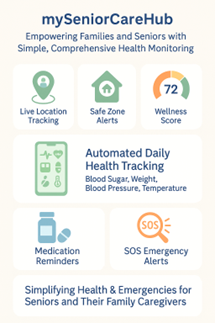
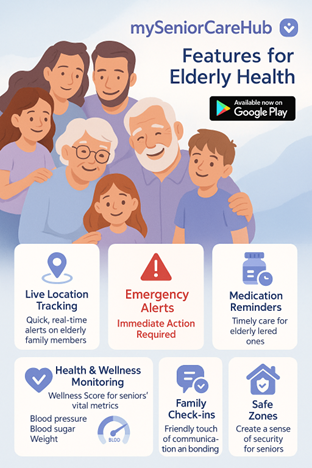
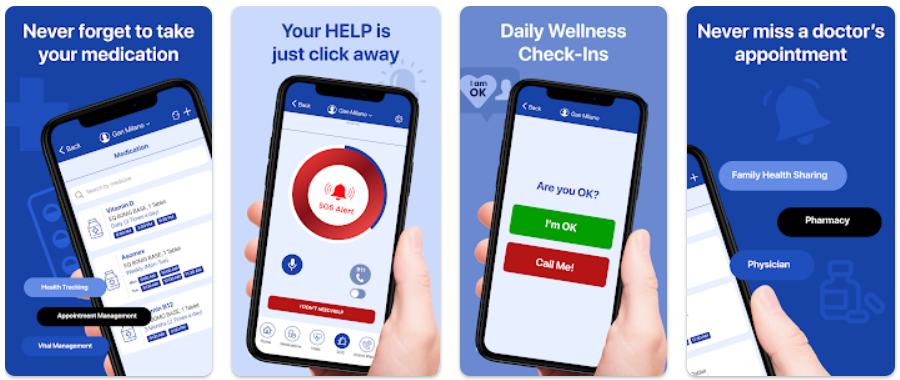
mySeniorCareHub takes a broader approach by connecting location awareness with senior-focused capabilities such as geofencing, SOS support, daily check-ins, and caregiver connectivity.
That distinction matters.
Families who only need basic sharing may not need a broader platform. Families managing growing safety concerns may benefit from having multiple caregiving tools working together instead.
Final Verdict: Is a Free Family Tracking App Enough?
For simple location sharing, yes, it can be.
Google Maps may suit families wanting straightforward cross-platform sharing. Apple Find My can be convenient for Apple households, while Life360 provides a more family-tracking-focused option.
But the best free family tracking app is not automatically the best long-term safety solution.
Start free if free features meet your needs. Consider paying only when your family’s requirements expand beyond basic location sharing into areas such as safe-zone awareness, emergency support, routine check-ins, or coordinated caregiving.
That approach helps you avoid paying for unnecessary features while recognizing when additional senior-safety support may genuinely become valuable.
WHEN FREE TRACKING ISN’T ENOUGH, ADD MORE PEACE OF MIND
Frequently Asked Questions (FAQs)
-
The best free family tracking app depends on your needs and devices. Google Maps is useful for basic cross-platform location sharing, Apple Find My works well for Apple households, and Life360 offers a free tier with family-focused tracking features.
-
Yes. Google Maps and Apple Find My provide location-sharing capabilities without a separate tracking subscription. Some dedicated family tracking apps also offer free tiers, although advanced features may require payment.
-
Google Maps is a popular free option for families using both iPhone and Android because it supports cross-platform location sharing. Some dedicated family locator apps also support both operating systems through free plans.
-
Free apps may limit features such as location history, geofencing or place alerts, emergency tools, and other advanced safety capabilities. The exact restrictions depend on the app and subscription tier.
-
Family tracking apps can provide useful GPS location information, but accuracy and update frequency can vary. Weak GPS signals, poor cellular connectivity, battery-saving settings, background permissions, or an offline phone can affect location updates.