Which Family Locator App Works Best for Dementia or Alzheimer’s Care?

Caring for someone with dementia or Alzheimer’s involves more than memory support. These conditions can affect orientation, decision-making, and the ability to recognize familiar surroundings. For many families, one of the biggest concerns is wandering, especially when a loved one leaves home and becomes confused about how to return.
That is why choosing the right family locator app for dementia or Alzheimer’s care matters. Families need a solution that helps them stay connected to a loved one’s location while continuing to respect independence and dignity.
HELP THEM STAY INDEPENDENT. STAY CONNECTED TO THEIR LOCATION.
Stay informed when a loved one with dementia or Alzheimer’s becomes disoriented or moves beyond a familiar area.
The Best Family Locator App for Alzheimer’s and Dementia Patients
✅mySeniorCareHub Location Tracking App
mySeniorCareHub is designed around elderly safety, dementia care, and caregiver peace of mind. Instead of working only as a basic location-sharing app, it combines location tracking with senior-focused safety and caregiving features.
For families concerned about wandering or disorientation, mySeniorCareHub provides a practical way to stay informed about a loved one’s location and receive relevant safety alerts without needing to be physically present at every moment.
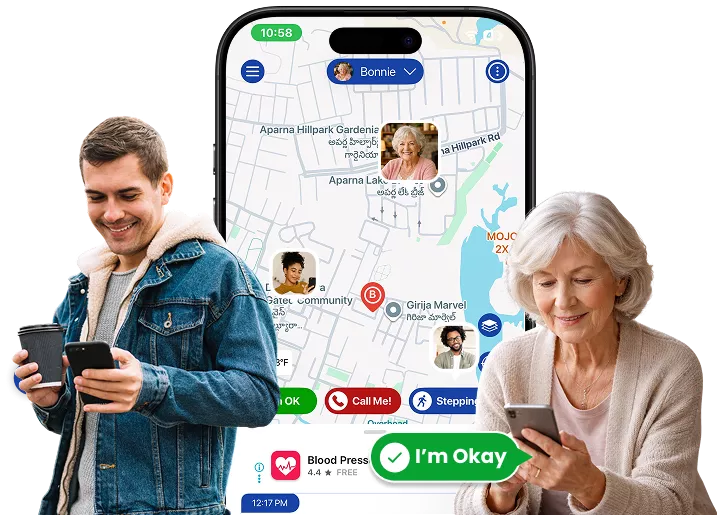
Real-Time GPS Tracking
When a loved one with dementia is away from home, families may immediately wonder, “Where are they right now?”
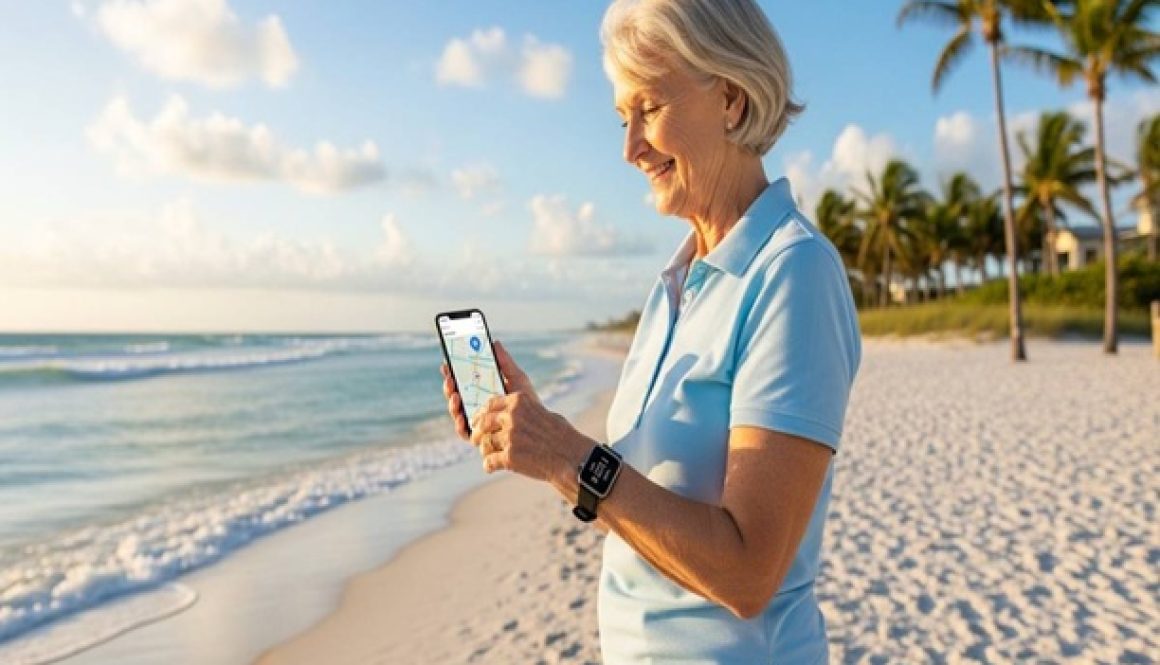
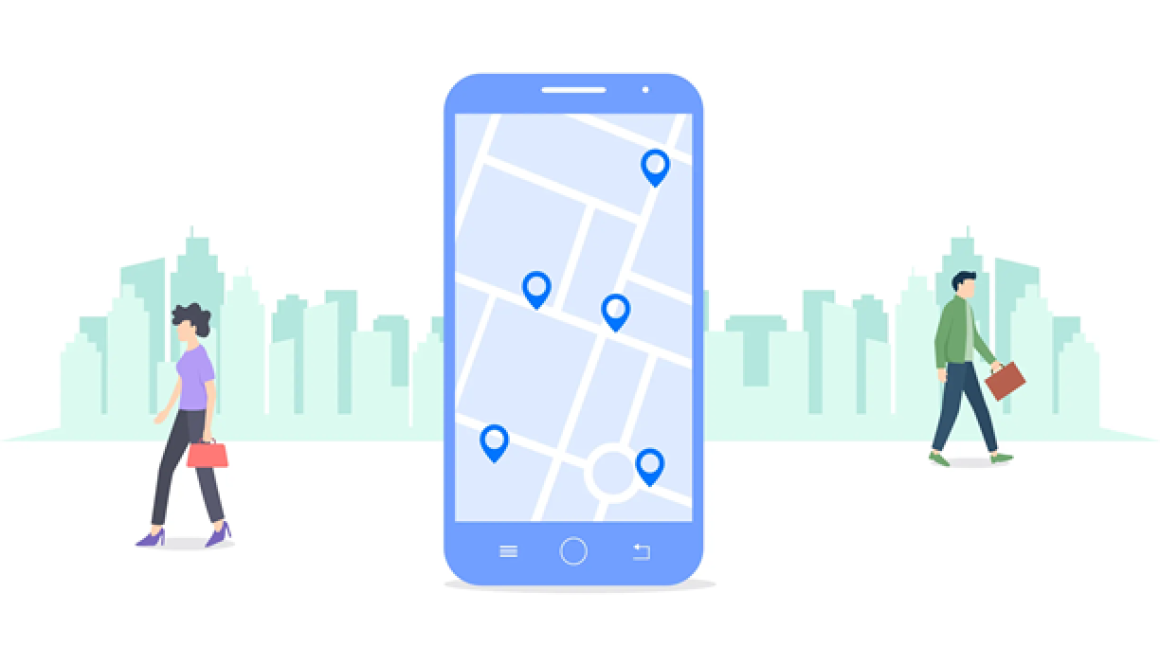
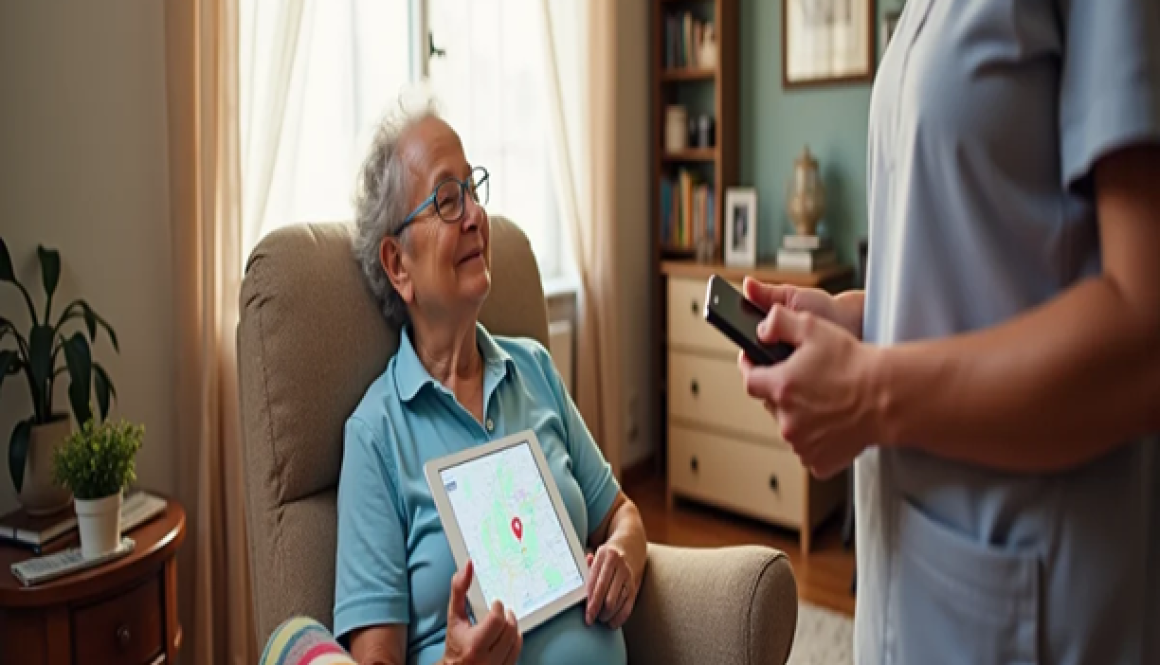
Real-time GPS tracking helps caregivers view available location information through the app. This can be useful when a parent is late returning from a regular walk, cannot explain where they are, or unexpectedly moves away from a familiar location.
Rather than relying only on repeated phone calls, caregivers have another source of information that can help them understand the situation and determine what to do next.
Smart Geo-Fencing
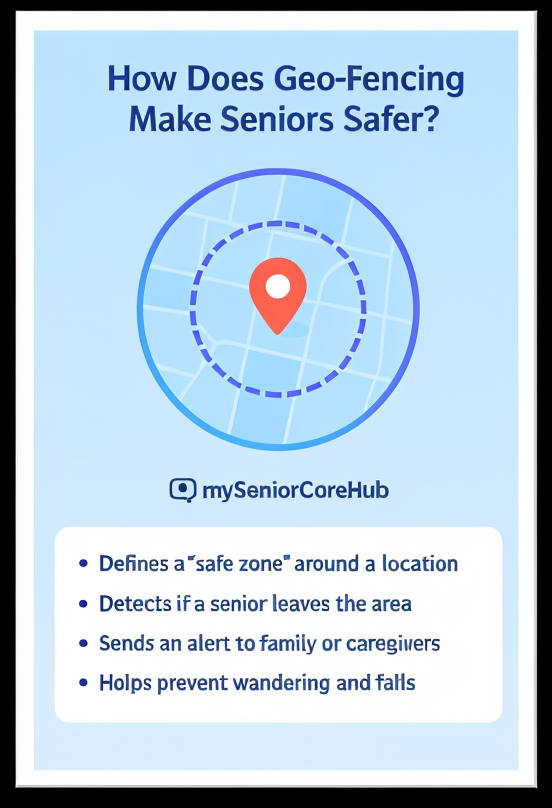
Caregivers cannot constantly watch a location map. Geo-fencing makes location monitoring more practical by allowing families to create virtual safe zones around familiar places.
A safe zone might include home, a nearby park, a relative’s house, or another location that forms part of the senior’s normal routine. Depending on the configured settings, caregivers can receive an alert when their loved one moves outside a selected area.
These notifications do not prevent wandering, but they can help families become aware of unexpected movement sooner.
SOS Emergency Support
Location information is valuable, but there may also be situations when an older adult knows they need assistance.
SOS functionality provides another way to request help. If a loved one becomes lost, frightened, confused, or experiences another urgent situation, an SOS alert can notify connected caregivers.
Combined with location information, this gives family members additional context when deciding how to respond.
Location History
Sometimes a current location does not tell the entire story. Location history can help caregivers understand where a connected loved one has recently been.
This may be useful when someone with dementia becomes disoriented and cannot remember the route they followed. Reviewing recent location activity can provide families with additional context about their movements.
Caregiver Connectivity
Dementia and Alzheimer’s care is often shared among several relatives. One person may live with the senior, another may live nearby, while other family members provide support from another city.
SOS functionality provides another safety layer.
A connected caregiver experience helps appropriate family members remain involved. This can reduce dependence on one person for every location or safety concern and make family coordination easier.
Designed for Dignity and Safety
Wandering concerns do not automatically mean an older adult should lose every part of their independence.
Depending on their individual needs, many seniors with dementia or Alzheimer’s may continue familiar routines and activities. Location technology can provide an additional layer of awareness while supporting appropriate independence.
The goal should be supportive safety rather than constant surveillance.
More Than Just a Locator
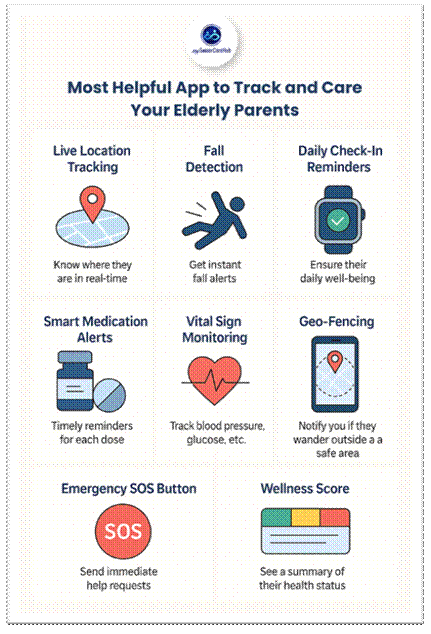
mySeniorCareHub extends beyond location tracking. The broader platform also provides tools that can support everyday senior care, including medication reminders, SOS alerts, daily safety check-ins, location tracking, geo-fencing, and caregiver connectivity.
Small buttons, confusing menus, complicated charging routines, or difficult setup can make a device frustrating to use.
This connected approach can be useful because dementia care rarely involves only one concern. Families may need help staying aware of location while also supporting medication routines, daily wellness, and emergency communication.
Final Thoughts
For families asking, “What is the best family locator app for Alzheimer’s patients?” or “Which app can help when my parent with dementia wanders?”, the answer should go beyond basic GPS sharing.
mySeniorCareHub combines real-time location tracking, geo-fencing, location history, SOS support, daily check-ins, medication reminders, and caregiver connectivity in a senior-focused platform.
A family locator app cannot prevent every wandering incident or replace appropriate dementia care. However, it can give families another way to stay informed, respond when routines unexpectedly change, and support a loved one’s safety while preserving as much independence as possible.
WHEN WANDERING IS A CONCERN, LOCATION MATTERS
Frequently Asked Questions (FAQs)
-
The best family locator app for dementia patients should provide reliable location tracking, geofencing, wandering alerts, caregiver connectivity, and simple controls. The right option depends on the senior’s routine, level of independence, and caregiving needs.
-
Yes. Location-sharing technology can help caregivers locate a connected loved one who becomes lost or disoriented. However, GPS tracking cannot prevent wandering and should be used alongside other dementia safety measures.
-
Yes, if the family locator solution supports geofencing or safe-zone alerts. These features can notify caregivers when a connected device moves outside a predefined location such as home.
-
Prioritize real-time location tracking, geofencing, reliable caregiver alerts, location history, ease of use, battery considerations, and compatible wearable options. SOS or two-way communication may also be useful depending on your loved one’s needs.
-
It depends on whether the person reliably carries their smartphone. A location-sharing app may work when the phone stays with them, while a wearable GPS device can be more practical for someone who frequently forgets their phone. The Alzheimer’s Association identifies both smartphone location-sharing apps and wearable GPS trackers as options.