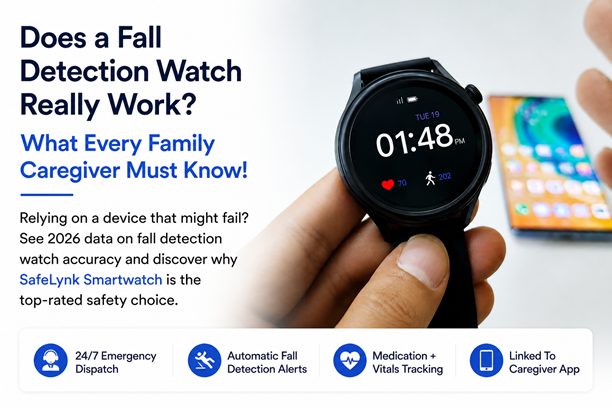
As a family caregiver, the what-ifs can be exhausting. What if Mom falls when I’m not there? A medical alert watch promises to be your eyes and ears, but does it actually deliver?
In 2026, the data shows that while no device is perfect, they have become an essential safety net for aging in place.
How Fall Detection Watch Actually Works:
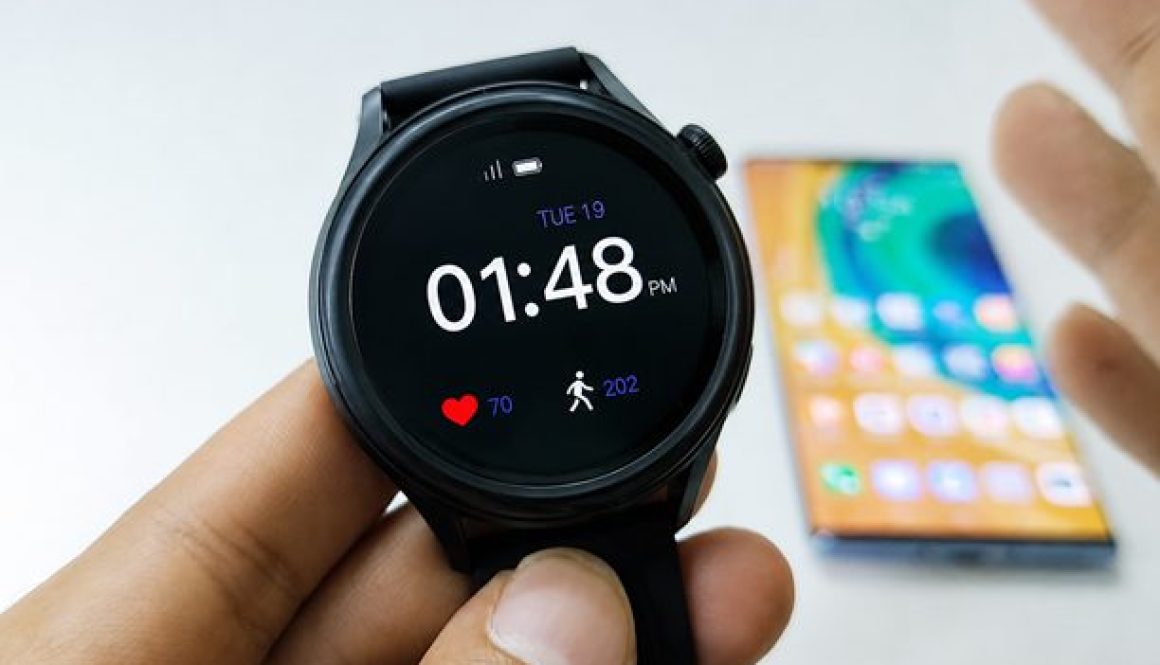
A fall detection watch doesn’t just feel a thud. It uses AI-driven sensors accelerometers and gyroscopes to identify the specific signature of a fall:.
Drop: A sudden increase in velocity.
Impact: A sharp deceleration.
Stillness: A period of no movement following the impact.
Fall Detection Accuracy In 2026
Technology has leaped forward, but caregivers should keep these 2026 benchmarks in mind:
92% Success for Hard Falls: According to Persistence Market Research, wearables now achieve approximately 92% accuracy in distinguishing real falls from daily activities like sitting down quickly.
Slow Slide Gap: Most sensors still struggle with soft falls, such as sliding out of bed or slumping against a wall. These movements often lack the impact needed to trigger an auto-alert.
Response Times: : Leading devices now boast an average emergency response time of under 60 seconds (NCOA), drastically reducing the risk of a long lie.
Why Every Caregiver Needs a Backup Plan
A medical alert watch is a tool, not a replacement for care. Even with 92% accuracy, that 8% gap means a senior should still be encouraged to press their SOS button manually if they are able.
The real value is the peace of mind knowing that in the majority of emergencies, the smartwatch will call for backup even if your loved one cannot.
A fall detection watch is the most effective way to ensure your loved one is never alone in an emergency. While the tech isn’t a 100% guarantee, the 2026 data prove it is the best defence against the long lie.
With a device like SafeLynk Smartwatch, you can stop worrying about the what ifs and focus on the time you spend together.
Q. Does my parent need a smartphone for the fall detection to work?
A. No. Devices like our SafeLynk Smartwatch have built-in cellular technology, meaning they work independently without needing to be paired with a phone.
Q.What happens if they fall in the shower?
A. Since the bathroom is the most common place for falls, our smartwatch is water-resistant and designed to be worn in the shower.
Q. Will the watch call the police every time it’s dropped?
A. No. There is a cancellation window. If the watch is dropped, the wearer (or senior caregiver) can simply tap the screen to dismiss the alert before it scales to emergency services
Q.How does smart watch’s GPS help in a fall?
A. If a fall occurs while your loved one is on a walk or in the garden, the GPS allows emergency responders and caregivers like you to find their exact coordinates immediately.
Q. Can I monitor the watch’s battery from my own phone?
A. Yes. mySeniorCareHub app allows you to check battery levels and ensure the device is being worn properly, giving you one less thing to worry about.
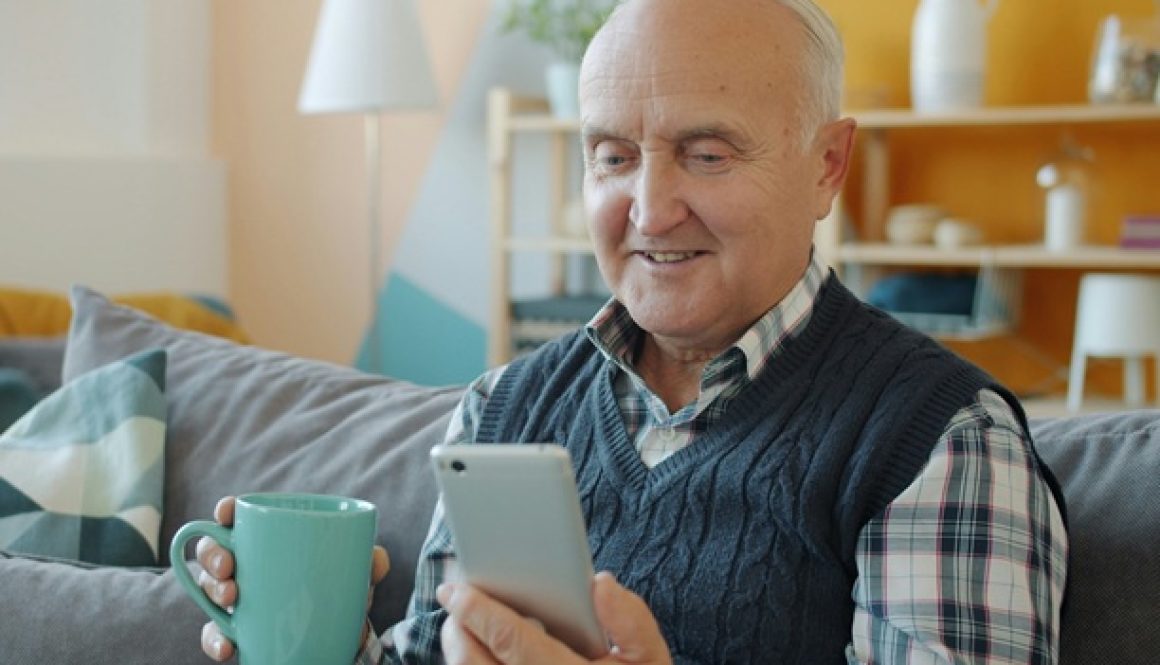
Calling an aging parent every day is one of the simplest ways to stay connected. You can hear their voice, ask how they are feeling, and enjoy a meaningful conversation.
But a phone call has one limitation: it only works when someone makes the call and the senior answers.
A Daily Check-In App provides a different type of reassurance. Instead of depending entirely on conversations, seniors can actively confirm that they are okay while caregivers receive updates that help them recognize when something may require attention.
So, should families replace daily calls with technology? Not necessarily. The better question is which approach provides the right kind of support for senior safety.
Overall best daily check-in App for Seniors
Our app offers the most reliable, real-time safety net for your family, so you can stop worrying and start connecting.
Phone Calls Are Valuable, but They Depend on Timing
Regular calls remain important because they provide something technology cannot replace: human connection.
A conversation can help family members understand a parent’s mood, hear concerns, and maintain relationships. For many seniors, these calls are also an important source of companionship.
The challenge is reliability.
A parent may not hear the phone, may be away from it, or may simply be busy when you call. Families can then be left wondering whether an unanswered call means something is wrong.
Phone calls are therefore excellent for communication and emotional connection, but they are not a structured safety system.
A Daily Check-In App Creates a Predictable Routine
Instead of waiting for a caregiver to call, the senior completes a simple wellness check-in as part of their daily routine. mySeniorCareHub, for example, offers a Daily Check-In feature designed to let caregivers know that their loved one is safe and doing well.
A senior might check in every morning after breakfast. When the expected confirmation arrives, the family receives reassurance.
If it does not arrive, the missed check-in creates a clear reason to follow up.
Importantly, a missed check-in does not automatically mean there is an emergency. It simply makes a change in the normal routine easier to notice.
Which Option Provides Better Safety Awareness?
Consider what happens when an older adult lives alone.
With phone calls, a family member has to remember to call at the appropriate time. If there is no answer, they may try again later. Depending on the family’s routine, several hours could pass before someone decides additional follow-up is necessary.
A senior check-in app establishes an expected action instead.
This makes daily safety less dependent on whether both people happen to be available at the same time.
mySeniorCareHub also connects Daily Check-In with broader senior-support capabilities, including emergency SOS, medication reminders, location support, wellness monitoring, and family notifications.
That broader functionality is something an ordinary phone conversation cannot provide automatically.
Daily Check-In App vs Phone Calls: Which Is Better?
The answer depends on what you are trying to achieve.
Regular phone calls are better for:
Personal conversations
Emotional connection
Hearing how a parent sounds
Reducing social isolation
Maintaining family relationships
A Daily Check-In App is better for:
Creating predictable wellness routines
Identifying missed check-ins
Providing automated caregiver updates
Supporting long-distance caregiving
Connecting safety tools in one place
The strongest approach may therefore be using both.
Technology can handle routine reassurance while phone calls remain focused on genuine human connection.
Why mySeniorCareHub Adds More Than a Daily “I’m Okay”
mySeniorCareHub is designed specifically around seniors and caregivers rather than functioning as a simple messaging tool.
Its connected safety experience includes Daily Check-In, SOS alerts, medication reminders, wellness monitoring, family notifications, and location support.
That means families can use the Daily Check-In feature as one part of a broader approach to supporting an older loved one living independently.
The platform reports 100K downloads across app stores, hundreds of reviews from senior caregivers and families, and a 4.2-star Google Play rating, adding established user adoption to its senior-focused feature set.
Don’t Replace the Call. Give It a Better Purpose.
A Daily Check-In App and a regular phone call should not have to compete.
Phone calls provide emotional connection. Daily check-ins provide structured reassurance.
When technology handles the routine question of whether a loved one has checked in, families can spend less time calling solely to ask, “Are you okay?” and more time having conversations that actually strengthen their relationship.
For seniors living independently and caregivers supporting them from near or far, combining personal communication with a structured daily check-in can create a more practical balance between independence, connection, and everyday safety.
A Daily Check-In App provides more structured reassurance through scheduled check-ins and caregiver updates. Phone calls remain better for personal conversation and emotional connection, so using both can provide a balanced approach.
The senior completes a simple daily action, such as tapping “I’m Okay.” Caregivers receive the update, while a missed check-in gives them a reason to follow up.
A missed check-in can alert or prompt caregivers to follow up according to the app and family’s established safety routine. It does not automatically mean an emergency has occurred.
It should not replace meaningful conversations. Instead, it can handle routine wellness confirmations so phone calls can focus more on connection, companionship, and family communication.
Yes. A senior check-in app can help long-distance caregivers receive regular wellness updates without requiring the senior and caregiver to be available for a phone call at the same time.
As seniors increasingly embrace technology, daily check-in app have become essential tools for promoting independence while ensuring peace of mind for families.
These digital solutions bridge the gap between autonomy and safety, offering seamless communication and timely emergency alerts.
In this guide, we explore the top-rated check-in apps for elderly safety, highlighting key features and how they enhance the modern caregiving experience.
What is a Daily Check-In App?
Adaily check-in app is a tool that allows seniors to confirm their well-being by responding to reminders or prompts sent by the app.
These responses can notify family members or caregivers of their status, and missed check-ins can trigger alerts to ensure timely intervention.
Top Features to Look For in a Daily Check-In App
When choosing the right technology for your loved one, look for these essential capabilities:
User-Friendly Interface: Large icons and high-contrast text designed for senior accessibility.
Real-Time Caregiver Notifications: Instant alerts via SMS or push notification if a check-in is missed.
GPS Location Tracking: Real-time coordinates to assist emergency responders.
SOS Emergency Button: A one-touch feature to bypass menus and call for help immediately.
Customizable Schedules: The flexibility to set check-ins for specific times of day or days of the week.
Best Apps for Daily Check-Ins
mySeniorCareHub App (Top Pick): A senior-first safety platform for iOS & Android with simple, one-tap daily check-ins for seniors living alone. It bridges the distance between seniors living alone and their families without 24/7 intrusive tracking.
Key Features: One-tap daily wellness check-ins, automated missed-check-in notifications for up to 4 caregivers, 24/7 Professional Emergency Dispatch (Gold Plan), and integrated fall detection with GPS location tracking.
Why It Stands Out: It offers “Safety without Surveillance” – sharing GPS location only during emergencies. It makes professional-grade safety accessible for as little as $4.99/month.
Snug Safety: It is a popular choice for its simplicity and community-focused approach.
Key Features: Daily check-ins with “streaks” and rewards to encourage consistent use.
Why It Stands Out: It turns safety into a positive habit, making it less intrusive and more engaging for the senior user.
CareSignal: This app focuses on the intersection of daily communication and clinical health management.
Key Features: Check-in reminders via text or automated calls, ideal for seniors without smartphones.
Why It Stands Out: It excels at monitoring chronic conditions by asking specific health-related questions during the check-in.
Oscar Senior: It transforms a standard tablet or smartphone into a simplified, senior-friendly interface.
Key Features: Video calling, a large-icon dashboard, and a dedicated family monitoring app.
Why It Stands Out: It prioritizes social connection alongside safety, helping to combat senior isolation.
K4Community: Designed specifically for those living in retirement or assisted living environments.
Key Features: Smart home integration and community-wide event notifications.
Why It Stands Out: It bridges the gap between personal safety and community living, promoting a connected lifestyle.
Benefits of Using a Daily Check-In App
Implementing a check-in system offers more than just safety; it improves the quality of life for the entire family:
Benefit
Impact on Senior Care
Peace of Mind
Reduces caregiver anxiety by providing 24/7 status updates.
Enhanced Independence
Seniors live at home longer without feeling constantly supervised.
Quick Emergency Response
Missed Check-Ins or SOS Alerts prompt immediate action
Holistic Health Monitoring
Identifies long-term trends through AI-Wellness Reporting.
Improved Communication
Streamlines updates between seniors and their care network.
Why Choose mySeniorCareHub App?
The mySeniorCareHub App stands out because it eliminates the need for multiple, disjointed apps. By combining daily check-ins, medication logs, and vital monitoring, it provides a 360-degree view of a loved one’s health.
Key Advantages:
Safety without Surveillance: Location data is private and only shared with family during an SOS alert or a missed check-in.
Professional Dispatch: Our Gold Plan provides 24/7 access to trained emergency medical dispatchers who can send help to the senior’s exact GPS location.
Cost-Efficient Care: Avoid $130+ upfront hardware fees with flexible plans starting at just $4.99/month.
Automated Alerts: If a check-in is missed, the app automatically notifies up to three caregivers, ensuring no emergency goes unnoticed.
By using the mySeniorCareHub App or other top-rated solutions, families can ensure that seniors can live independently with confidence, while caregivers can rest assured that they’re never out of the loop.
Start exploring these solutions today to transform senior care into a seamless, connected experience!
Get Started Today
Don’t wait for an emergency to realize the value of consistent monitoring. Enhance patient safety, empower your caregivers, and provide the ultimate peace of mind with the mySeniorCareHub Daily Check-In App.
With 24/7 Emergency Dispatch + Daily Safety Confirmation
No long-term contracts. Set up in minutes. Cancel anytime.
Frequently Asked Questions
Are daily check-in apps for seniors free?
Many apps, like Snug Safety or the basic version of mySeniorCareHub, offer free versions for individual check-ins.
However, premium features such as automated emergency dispatch, SMS alerts for multiple family members, or advanced health reporting typically require a monthly subscription. You can check our Gold & Silver Subscriptions for the same.
What happens if a senior forgets to check in?
Most apps include a “grace period” (usually 15 to 60 minutes). During this time, the app will send multiple “gentle reminders” to the senior.
If the window closes without a response, the app automatically triggers an emergency alert to all designated caregivers via phone, text, or app notification.
Do these apps require a constant internet connection?
Yes, most senior check-in apps require either a Wi-Fi connection or a cellular data plan to send alerts and location data.
However, with mySeniorCareHub app, you get a “Fail-Safe” system. If our servers do not receive a “Check-In” signal because of an internet outage, the system treats it as a missed check-in.
You will be notified that the connection is lost, allowing you to call them and verify if it’s just a router issue or something more serious.
How do check-in apps protect a senior’s privacy?
Modern apps such as mySeniorCareHub use “private care circles,” meaning location and health data are only shared with people the senior explicitly invites.
Leading platforms also use bank-level encryption to ensure that personal health metrics and daily routines remain secure and inaccessible to third parties.